
Surgical Readiness Intelligence
Know today which of tomorrow's cases are not ready, and why?
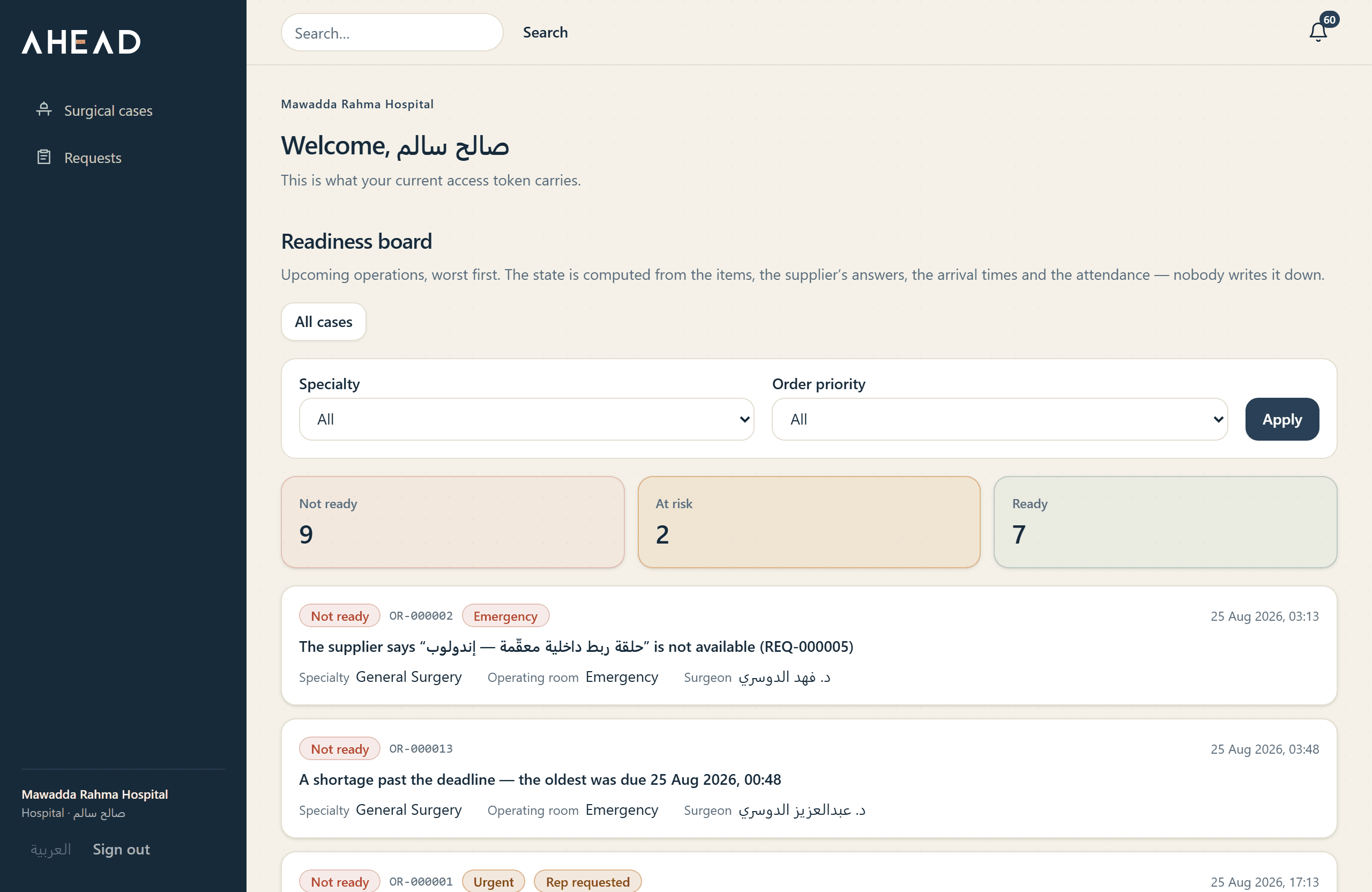
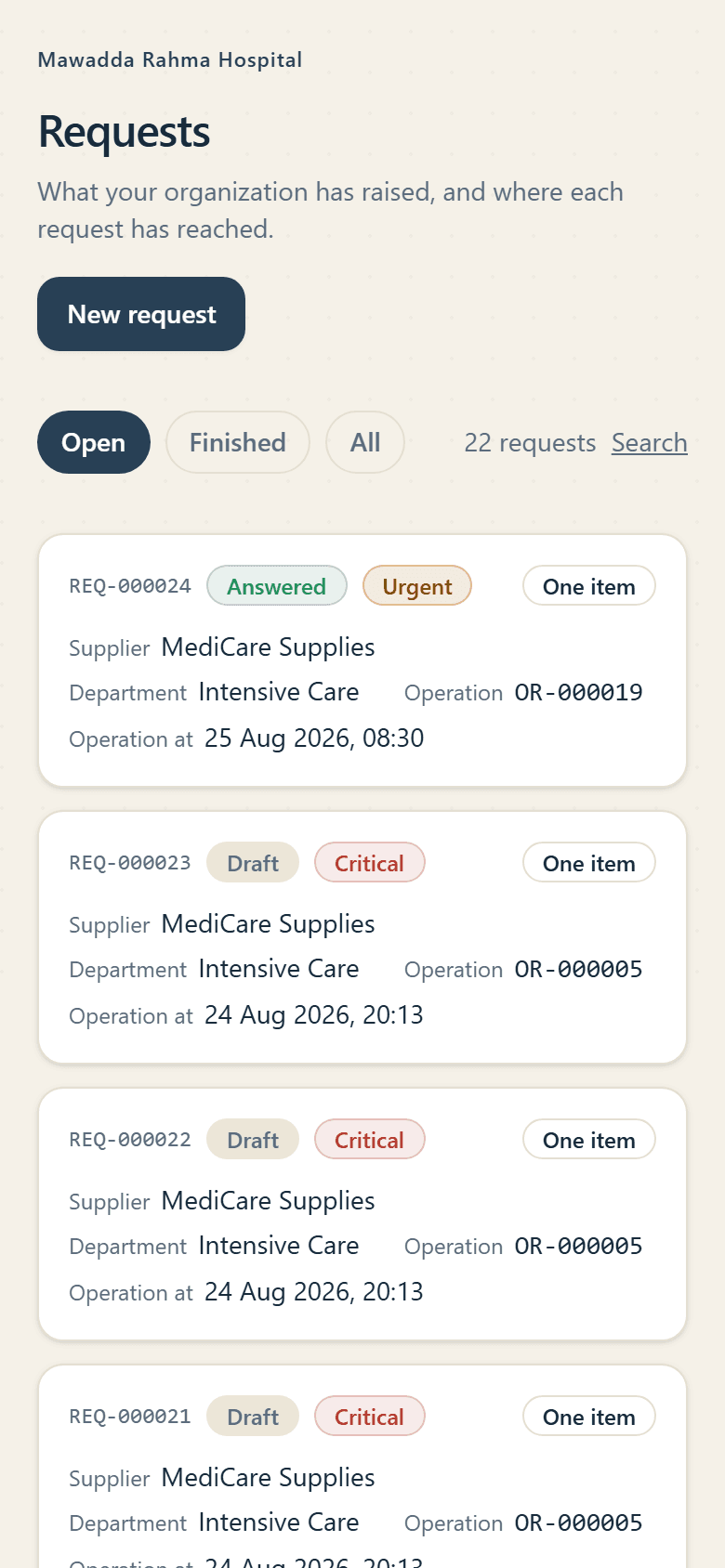
AHEAD pulls supply requests, supplier confirmations, arrival times and obstacles into one readiness picture. Your team knows what to step in on before the surgical day starts
It runs alongside the systems you already have, and needs no integration project to start
Tomorrow's case should not rest on a phone call, a message and a verbal promise
The information is scattered
The request is in one place, the supplier's answer in another, and the arrival time may sit with a third person
The problem surfaces late
A shortage or a delay may not become clear until hours before the operation
Nobody clearly owns it
When the obstacle appears the questions start: who is chasing it, and who owns the fix?
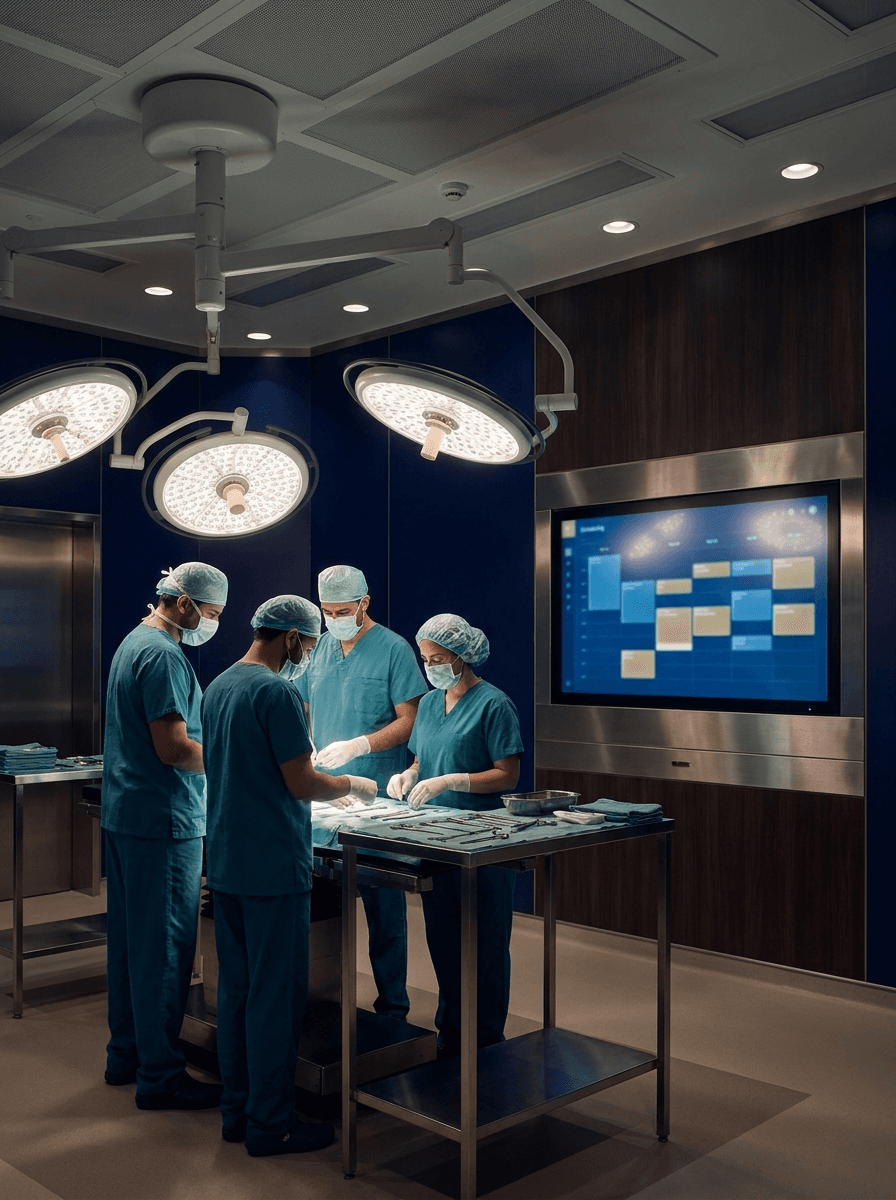
AHEAD brings that picture into one place before the operation is due
Every evening, know the answer to 3 questions
- 1
Which of tomorrow's cases are not ready?
- 2
What is standing in the way of their readiness?
- 3
Who owns the fix right now?
One board answers all three: a single state per operation
- Not ready
- At risk
- Ready
From the request to a ready case
- 1.
Request
Hospital
- 2.
Approval
Hospital
- 3.
Supplier confirmation
Supplier
- 4.
Delivery
Supplier
- 5.
Readiness
What does finding out late cost your hospital?
These are published figures about operating rooms in general, not about AHEAD, and each one carries its source underneath. They are here because the problem is larger than it looks on tomorrow's list, not because we measured it at your hospital
- SAR 173
- what one minute of operating-room time costsA mean across 14 studies, with a standard deviation of $32.31. It's the middle of a wide range, not a meter readingSmith TS et al. “Cost of Operating Room Time is $46.04 Dollars per Minute.” J Orthop Business 2022;2(4):10–13 — mean of 14 studies, inflation-adjusted
- 51.4%
- of cases run at least one delay“Delays in the operating room: signs of an imperfect system.” Can J Surg 2010;53(3):189–190 — 1,531 elective cases
- 55–58%
- of those delays: equipment or an instrument missing, or broken“Delays in the operating room: signs of an imperfect system.” Can J Surg 2010;53(3):189–190 — equipment failure was the most common cause, at 55.2%–57.9%
Run it on your hospital
SAR 5,180,000 of operating-room time a year
The minute before rounding is SAR 172.65, or USD 46.04 at the fixed peg. Multiply that across 250 working days and round to the nearest thousand. AHEAD isn't claiming to save you any of it
AHEAD doesn't claim to remove every cost of delay. It surfaces readiness risk early enough for the team to act before the operation is due
What changes with AHEAD?
Every case has one state
Instead of hunting through calls and messages to find where the request got to
Every obstacle has an owner
A clear name and a clear time to come back to it
Every delay is on the record
Who answered, when they answered, when they confirmed, and when it arrived
Every supplier becomes measurable
Response time, arrival time, and how often each supplier meets the window or misses it, out of real operating data
AHEAD does not replace the system you have
SAP, Oracle, the ERP and the HIS go on running purchasing, inventory, invoicing and scheduling. AHEAD covers the stretch between a case going on the schedule and its supplies being confirmed in time
You can start alongside the system you have, and integrate later if you need to

Everything you need to manage a case's readiness
- Requests and approvals
- Supplier confirmation
- Arrival time
- The conversation inside the request
- Obstacles and their owners
- A full record of every change
Turn the daily chase into data you can decide on
The figures come from your hospital's own operating data, not from a general benchmark
- Supplier compliance with the delivery window
- Average time to answer
- Average time to arrive
- Performance per supplier
The hospital and the supplier

The hospital
Sees the readiness of its operations, the obstacles, who owns them, and the suppliers involved
The supplier
Takes in a clear request, confirms what is available, sets the arrival time and records the delivery. All of it sits on the request itself, not in scattered calls and messages
Built for a hospital environment
- Each organization's data kept separate
- Permissions by role
- An audit trail for every administrative change
- Encrypted in transit
Common questions
Is AHEAD a replacement for SAP or Oracle?
No. Your system keeps what it has: purchasing, invoices, inventory, scheduling. AHEAD manages case readiness alone, and runs alongside from day one without touching it. Integration gets built when you need it, not as the price of starting
Do we need an integration to start?
No. Cases are entered in the platform directly, so it runs alongside the system you have from the first day without touching it. And we don't sell you a connector that doesn't exist; integration is scoped and built when you actually need it
What does the supplier see?
A supplier sees only the approved request sent to it: the operation name or type, patient age and sex, items, quantities, priority, and its thread. It sees no patient identity, hospital schedule, or other supplier's requests
Where is our data hosted?
On managed cloud infrastructure, encrypted in transit. The hosting region, and whether data leaves the Kingdom, is settled in writing with your organization before go-live
What happens if delivery is late?
The clock starts when the request is approved: 72 hours for routine, 48 for urgent, and 24 for critical. The request remains visible to both sides until delivery is complete, and lateness appears on the dashboard and supplier performance figures
What does AHEAD cost?
Agreed per organization, by its size and how many operating rooms it runs. The first conversation is enough to know exactly where you stand
Explaining only goes so far, try it on your own cases
We start small and run AHEAD alongside the way you work today. Then you compare for yourselves: how clear the readiness is, and how early the obstacles show up
We learn how the work runs today
We set up the hospital and the suppliers taking part
We run a limited trial on real cases